
Support
Our support team is ready to assist with any questions while using our apps.
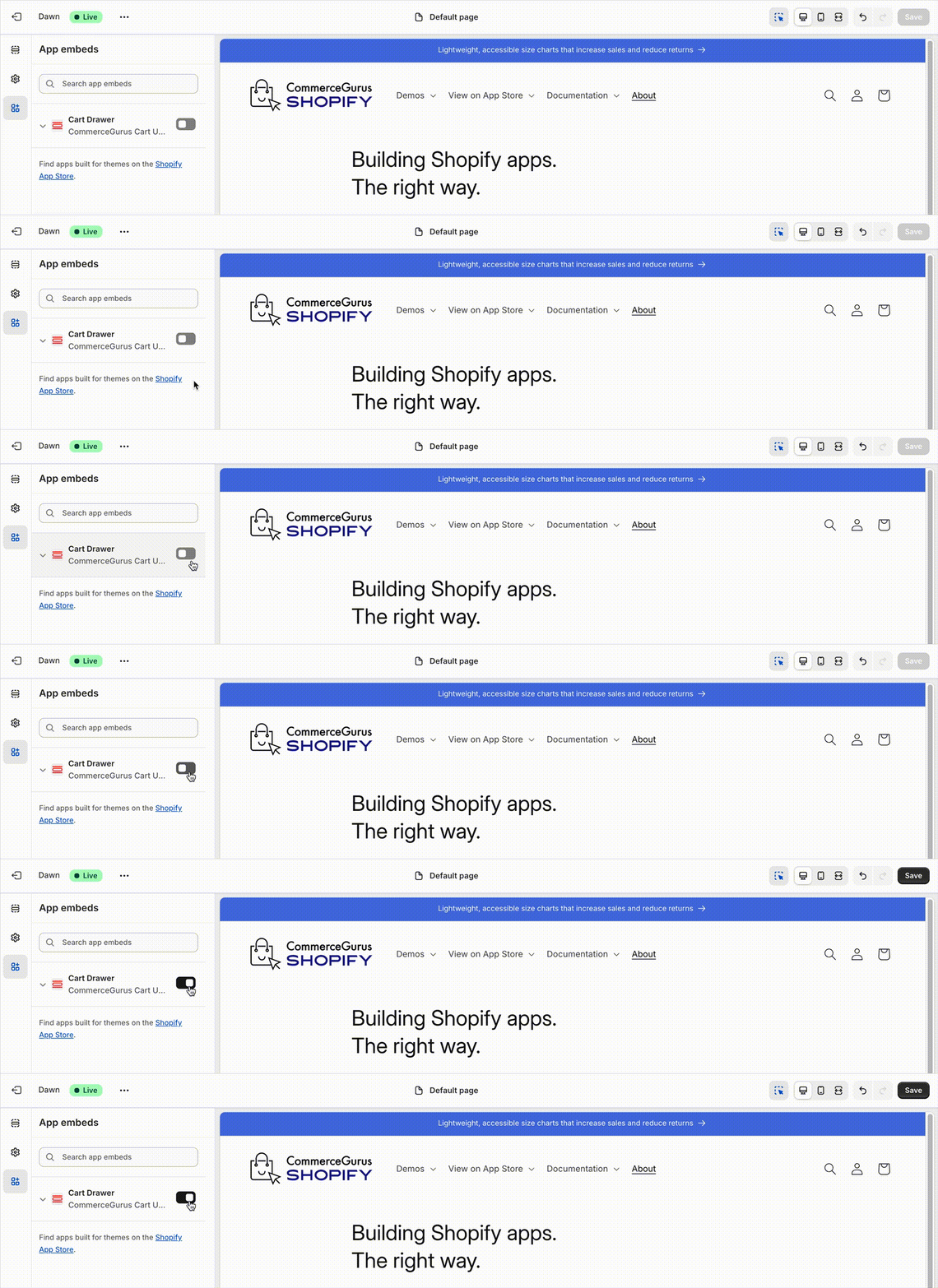
After installing the CommerceGurus Cart Upsells app, you need to activate the Cart Drawer in your theme’s App Embeds section to enable the upsell functionality.
Go to your Shopify admin and navigate to Online Store → Themes.
Click Customize on your active theme.
In the Theme Editor, click on App embeds in the left sidebar.
Find Cart Drawer (CommerceGurus Cart Upsells) in the list of available app embeds.
Toggle the switch to ON to activate the Cart Drawer.