

Support
Our support team is ready to assist with any questions while using our apps.
The Promo Code Module adds a discount code input field to your cart drawer, allowing customers to apply promotional codes before proceeding to checkout.
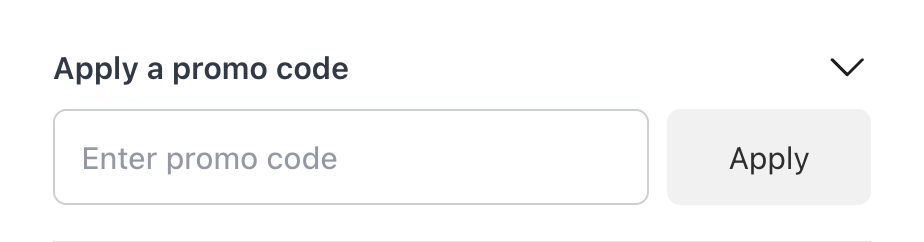
When a customer enters a promo code in the cart drawer:
The discount carries through to checkout automatically.
Check the Enable promo code functionality option to activate the promo code field in your cart drawer.
Customize the text displayed in the promo code section.
The hint text shown inside the input field before customers type anything.
The text displayed on the apply button.
The message shown when a customer enters an invalid discount code.
To create discount codes:
The “Open Shopify Discounts” button at the bottom of the module settings takes you directly to your Shopify Discounts page.