

Support
Our support team is ready to assist with any questions while using our apps.
The Reward Bar displays a progress bar that incentivizes customers to reach specific cart totals. When customers hit your defined goals, they unlock rewards like free shipping or free gifts.
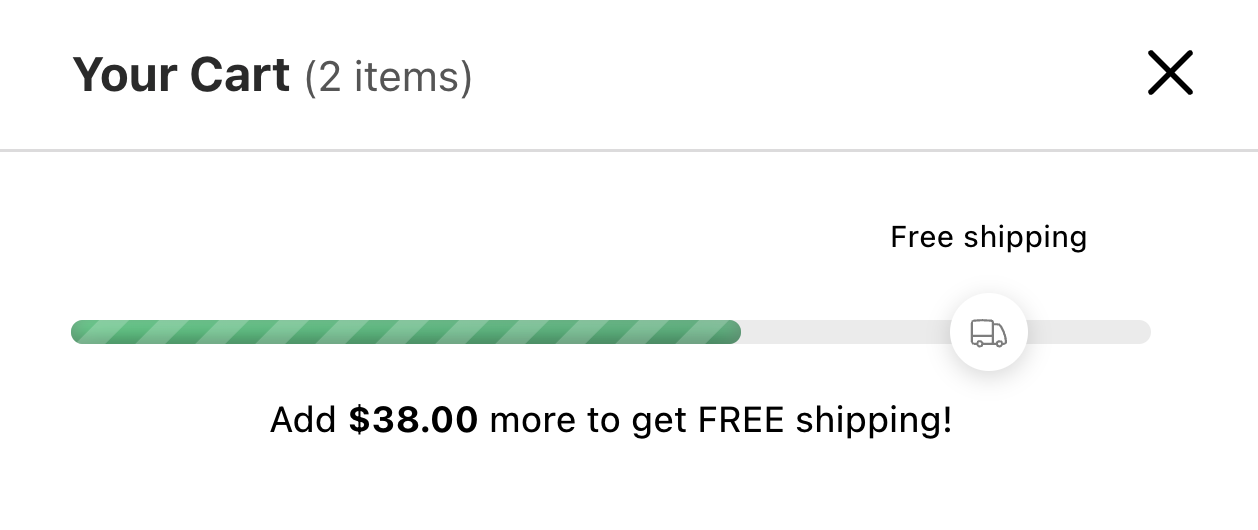
The progress bar automatically calculates and displays:
The bar updates in real-time as customers add or remove items from their cart.
Toggle the Reward Bar on or off using the Enable/Disable button at the top of the module settings.
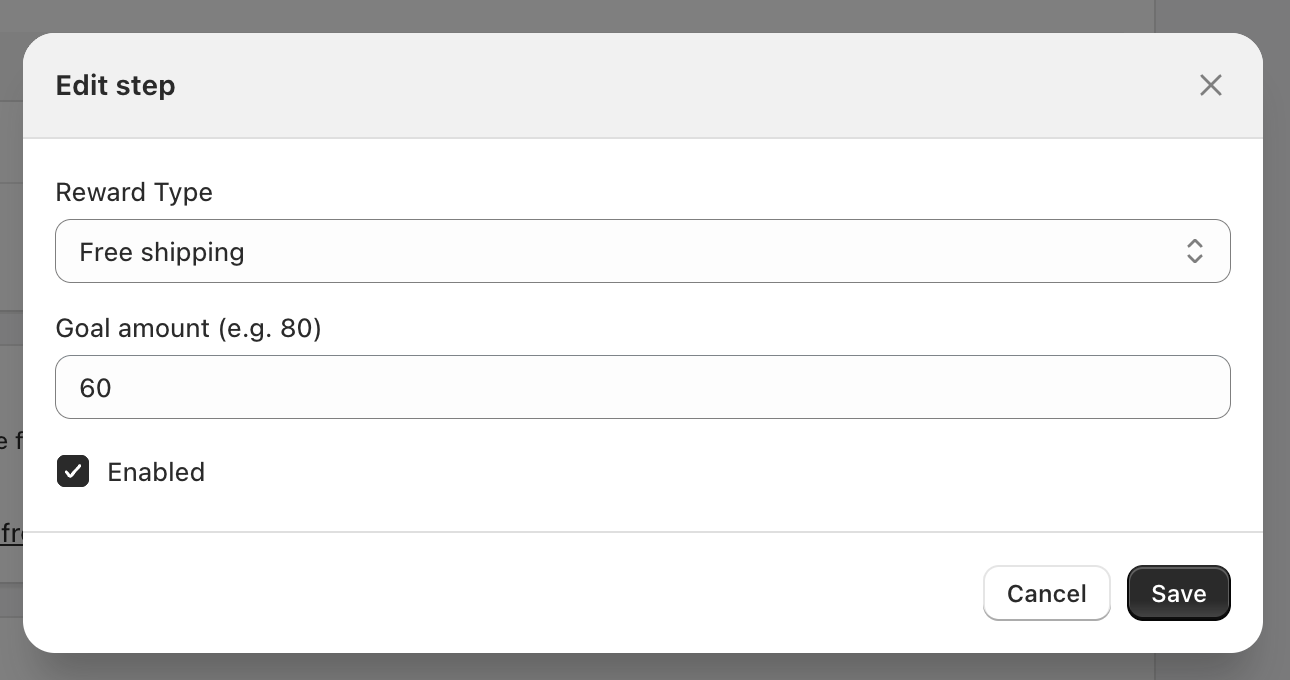
Define cart goals and the rewards unlocked when each goal is reached. You can create multiple reward steps with different thresholds.
Click Add step to create a new reward. Each step includes:
When customers reach the goal amount, the progress bar shows they’ve qualified for free shipping.
Automatically add a gift product to the cart when customers reach the goal amount.

The reward steps table displays:
| Column | Description |
|---|---|
| Reward | The type of reward (Free shipping or Free gift) |
| Goal | The cart total threshold |
| Status | Whether the step is enabled or in draft |
| Actions | Edit, duplicate, or delete the step |
Steps are automatically sorted by goal amount, so lower thresholds appear first.
Add visual interest to your progress bar with animated stripes.